
 By zarnish zarlish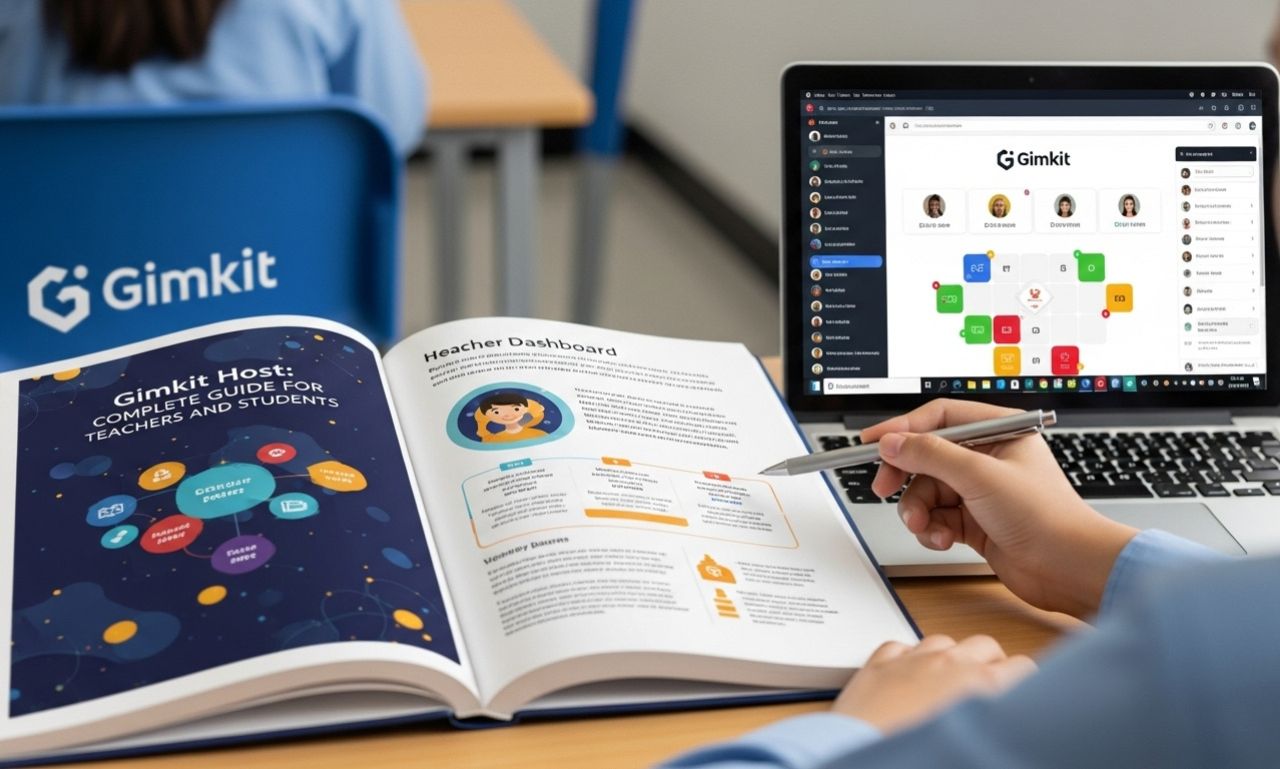
Gimkit has become one of the most popular game-based learning platforms used in classrooms around the world. At the center of every Gimkit game is the Gimkit Host—the person who controls, launches, and manages the game session. Whether you are a teacher, educator, or student leader, understanding how the Gimkit host feature works is essential for running smooth and engaging learning games.
This article explains what Gimkit Host means, how it works, its features, benefits, and common questions.
What Is Gimkit Host?
A Gimkit Host is the individual who starts and manages a live Gimkit game. Typically, this role is taken by a teacher, but students can also host games if permitted. The host selects the quiz (called a “Kit”), chooses the game mode, sets rules, and shares the game code with players.
The host has full control over the session, including starting, ending, and monitoring gameplay.
How Gimkit Hosting Works
Hosting a Gimkit game is simple and user-friendly. The basic process includes:
-
Log in to Gimkit
The host signs in using a Gimkit account. -
Choose or Create a Kit
A Kit is a question set. Hosts can create their own or use public Kits. -
Select a Game Mode
Gimkit offers multiple modes such as Classic, Team Mode, and seasonal or rotating modes. -
Adjust Game Settings
Options include time limits, money settings, power-ups, and question pacing. -
Share the Game Code
Players join using a unique code at gimkit.com/play. -
Start and Monitor the Game
The host controls the session and views real-time performance.
Key Features of Gimkit Host
1. Full Game Control
Hosts decide when the game starts, pauses, or ends.
2. Customizable Settings
Game difficulty, pacing, and rewards can be adjusted to match student needs.
3. Real-Time Monitoring
Hosts can track student progress, accuracy, and engagement live.
4. Multiple Game Modes of Gimkit Host
Different modes keep learning fun and prevent repetition.
5. Post-Game Reports of Gimkit Host
After the game, hosts can review detailed performance reports to assess learning outcomes.
Benefits of Being a Gimkit Host
Improves Classroom Engagement
Students stay motivated through interactive, game-based learning.
Encourages Active Participation
Every player answers questions individually, reducing passive learning.
Supports Formative Assessment
Teachers can quickly identify knowledge gaps and strengths.
Flexible for Any Learning Environment
Gimkit hosting works for in-person, hybrid, and remote classrooms.
Student-Friendly Experience
Simple joining process and clear visuals make it accessible for all ages.
Who Can Be a Gimkit Host?
-
Teachers and educators (most common)
-
Tutors and trainers
-
Students (with permission)
-
Homeschool parents
-
Workshop or club leaders
A free account allows hosting basic games, while Gimkit Pro offers advanced features and modes.
Gimkit Host vs Player
| Feature | Host | Player |
|---|---|---|
| Start/End Game | Yes | No |
| Choose Game Mode | Yes | No |
| Adjust Settings | Yes | No |
| Answer Questions | Optional | Yes |
| View Reports | Yes | No |
Is Gimkit Hosting Free?
Gimkit offers both free and paid plans:
-
Free Plan: Limited modes and features
-
Pro Plan: Access to all game modes, assignments, and advanced settings
Teachers can decide which plan fits their classroom needs.
Common Issues Gimkit Hosts Face
-
Students entering incorrect game codes
-
Internet connectivity issues
-
Overcrowded lobbies
-
Time management during lessons
Most of these can be solved with clear instructions and stable internet access.
Tips for Successful Gimkit Hosting
-
Test the game before class
-
Choose modes appropriate for lesson length
-
Encourage friendly competition, not pressure
-
Review reports after gameplay
-
Rotate game modes to keep interest high
Final Thoughts on Gimkit Host
The Gimkit Host plays a crucial role in transforming lessons into interactive learning experiences. By controlling gameplay, customizing settings, and reviewing performance data, hosts can make learning both fun and effective.
Whether you are teaching math, science, language arts, or any other subject, mastering Gimkit hosting can significantly boost student engagement and understanding.
As digital education continues to grow, tools like Gimkit—and skilled hosts behind them—will remain essential in modern classrooms.